

1、去Vim官网下载适合操作系统的可执行文件
地址:https://www.vim.org/download.php
2、找到Vim文件夹中的vimrc文件进行修改,增加下面这4行。
set encoding=utf-8
set termencoding=utf-8
set fileencoding=utf-8
set fileencodings=ucs-bom,utf-8,chinese,cp936
3、在C:WindowsSystem32WindowsPowerShellv1.0目录下新建profile.ps1文件,复制下面的代码到profile.ps1文件中。
# There's usually much more than this in my profile!
$SCRIPTPATH = "C:Program Files (x86)Vim"
$VIMPATH = $SCRIPTPATH + "vim80vim.exe"

Set-Alias vi $VIMPATH
Set-Alias vim $VIMPATH

# for editing your PowerShell profile
Function Edit-Profile
{
vim $profile
}

# for editing your Vim settings
Function Edit-Vimrc
{
vim $home_vimrc
}
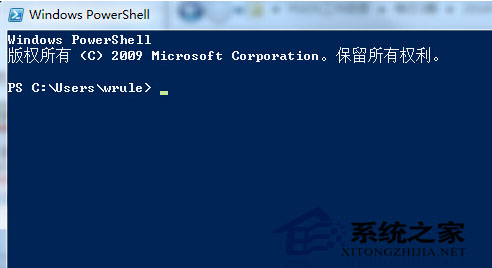
4、重启Shell,执行Set-ExecutionPolicy RemoteSigned命令修改模式就可以了。
Set-ExecutionPolicy RemoteSigned
以上就是本文的全部内容,希望对大家的学习有所帮助,也希望大家多多支持潘少俊衡。
版权声明
本文仅代表作者观点,不代表本站立场。
本文系作者授权发表,未经许可,不得转载。
本文地址:/jtjc/Linux/107188.html