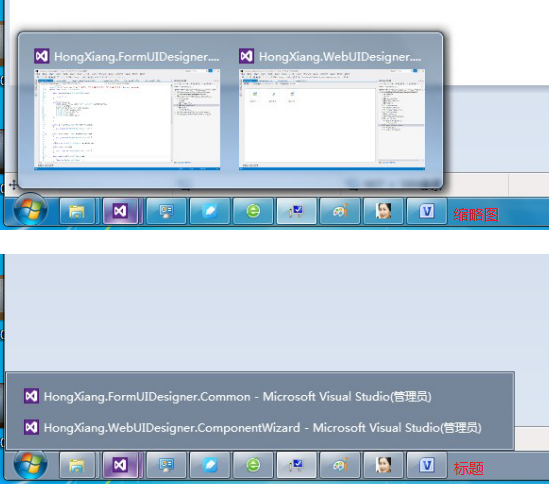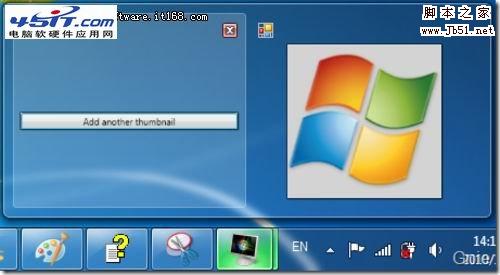


CSS3 实现的缩略图悬停效果
实现效果

实现代码
html
		Thumbnail Hover Effect with CSS3


		Images featured in this demo are the works of Mernan Behairi. Inspired by an old post of @Sohtanaka. It originally uses jQuery. Access original tutorial and demo.


css3
@import url(https://fonts.googleapis.com/css?family=Roboto+Condensed:700);

html, body, div, span, applet, object, iframe,
h1, h2, h3, h4, h5, h6, p, blockquote, pre,
a, abbr, acronym, address, big, cite, code,
del, dfn, em, img, ins, kbd, q, s, samp,
small, strike, strong, sub, sup, tt, var,
b, u, i, center,
dl, dt, dd, ol, ul, li,
fieldset, form, label, legend,
table, caption, tbody, tfoot, thead, tr, th, td,
article, aside, canvas, details, embed,
figure, figcaption, footer, header, hgroup,
menu, nav, output, ruby, section, summary,
time, mark, audio, video {
	margin: 0;
	padding: 0;
	border: 0;
	font-size: 100%;
	font: inherit;
	vertical-align: baseline;
}

body {
	background-color: #f2f2f2;
}

header {
	width: 100%;
	background-color: #77cdb4;
	text-align: center;
}

h1 {
	font-family: 'Roboto Condensed', sans-serif;
	color: #FFF;
	font-size: 2.3em;
}

em {
	color: #232027;
}

.wrapper {
	width: 40%;
	margin: 40px auto;
}

div.gallery {
	margin-top: 30px;
}

div.gallery ul {
	list-style-type: none;
	margin-left: 35px;
}

/* animation */
div.gallery ul li, div.gallery li img {
	-webkit-transition: all 0.1s ease-in-out;
  	-moz-transition: all 0.1s ease-in-out;
  	-o-transition: all 0.1s ease-in-out;
  	transition: all 0.1s ease-in-out;
}

div.gallery ul li {
	position: relative;
	float: left;
	width: 130px;
	height: 130px;
	margin: 5px;
	padding: 5px;
	z-index: 0;
}

/* Make sure z-index is higher on hover */
/* Ensure that hover image overlapped the others */
div.gallery ul li:hover {
	z-index: 5;
}

/* Image is position nicely under li */
div.gallery ul li img {
	position: absolute;
	left: 0;
	top: 0;
	border: 1px solid #dddddd;
	padding: 5px;
	width: 130px;
	height: 130px;
	background: #f0f0f0;
}

div.gallery ul li img:hover {
	width: 200px;
	height: 200px;
	margin-top: -130px;
	margin-left: -130px;
	top: 65%;
	left: 65%;
}

p.attribution {
	font-family: 'Consolas';
	color: #000;
	clear: both;
	text-align: center;
	line-height: 25px;
	padding-top: 30px;
}

p.attribution a {
	color: #4c8d7c;
}

/* Responsive hack */
@media only screen and (min-width: 499px) and (max-width: 1212px) {
	.wrapper {
		width: 500px;
	}
}

@media only screen and (max-width: 498px) {
	.wrapper {
		width: 300px;
	}

	div.gallery ul {
		list-style-type: none;
		margin: 0;
	}
}
以上就是CSS3 实现的缩略图悬停效果的详细内容,更多关于CSS3 缩略图悬停的资料请关注潘少俊衡其它相关文章!
版权声明
本文仅代表作者观点,不代表本站立场。
本文系作者授权发表,未经许可,不得转载。
本文地址:/web/CSS/73217.html